The 10 Best Flutter Packages Every Beginner Should Practice
A complete beginner-friendly guide to the 10 most important Flutter packages you should practice, with explanations and real code examples.

Introduction
If you're reading this article, I know you're just getting started with learning and practicing the Flutter framework. So, first things first,
What exactly is Flutter?
Flutter is a hybrid mobile app development framework developed by Google. It's built using the Dart programming language, which was also developed by Google and is based on Java.
Now, what does "Hybrid" mean in this context?
It means you can use a single codebase to build applications for multiple platforms, including Android, iOS, Windows, Linux, macOS, and even the web.
However, keep in mind that as a beginner, you may need to configure each platform separately depending on your project's requirements.
By now, you should have a basic understanding of what the Flutter framework is all about.
Now, let's take a look at what a Flutter package is.
A Flutter package is like a tool that helps you develop your application more easily. For example,
Imagine you need to develop a form in your app with text fields and buttons. Instead of designing everything from scratch, you can use a Flutter UI package. These UI packages come with predefined components that you can directly use in your app, saving you time and effort.
So, what's the definition of a Flutter package?
A Flutter package is a collection of Dart classes, functions, and sometimes third-party dependencies that provide reusable code to implement specific features or functionality in your app.
The Flutter packages are available on pub.dev, which is Flutter's official package management system. You can browse, explore, and download all Flutter packages from this platform to use in your projects.
To use Flutter packages in your project, you need to add them under the dependencies section of the pubspec.yaml file. These are the packages that your app will use directly.
Some packages, however, are only needed during development, such as testing tools or code generators. These packages should be added under the dev_dependencies section of the pubspec.yaml file.
name: myapp
description: "A new Flutter project."

publish_to: 'none'

version: 1.0.0

environment:
  sdk: '>=3.4.3 <4.0.0'

dependencies:
  flutter:
    sdk: flutter

  intl: ^0.19.0

  cupertino_icons: ^1.0.6
  google_fonts: ^6.2.1
  path_provider: ^2.1.5
  fluttertoast: ^8.2.8
  hive: ^2.2.3
  hive_flutter: ^1.1.0
  file_picker: ^10.1.2
  url_launcher: ^6.3.1

dev_dependencies:
  flutter_test:
    sdk: flutter


  build_runner: ^2.4.10
  hive_generator: ^2.0.1
  flutter_launcher_icons: ^0.13.1

flutter_launcher_icons:
  android: "launcher_icon"
  ios: true
  image_path: "assets/images/logo.png"
  min_sdk_android: 21
flutter:
  generate: true
  uses-material-design: true

  assets:
    - assets/images/
You should run the following command after adding any package to the pubspec.yaml file:
flutter pub getAs a beginner, you might be wondering:
What are the 10 most important Flutter packages you should practice with?
Based on my experience, I believe these 10 packages are the most important for beginners. Why? Because with just these, you can build a small and interesting CRUD (Create, Read, Update, Delete) application without having to worry too much about complex state management or architectural patterns.
Now, let's go through each package one by one.
1. http
The http package is one of the most popular Flutter packages because it allows developers to make HTTP requests easily and efficiently. Simply put, you can use this package to call APIs from your Flutter app.
But what are HTTP requests?
Those are the standard methods used to communicate with a backend server, such as GET, POST, PUT, DELETE, and PATCH. These requests let your app fetch data, send data, update resources, or delete them from a remote server.
You can download the http package from pub.dev, Flutter's official package management system. This package becomes especially important when you need to integrate a backend into your mobile application.
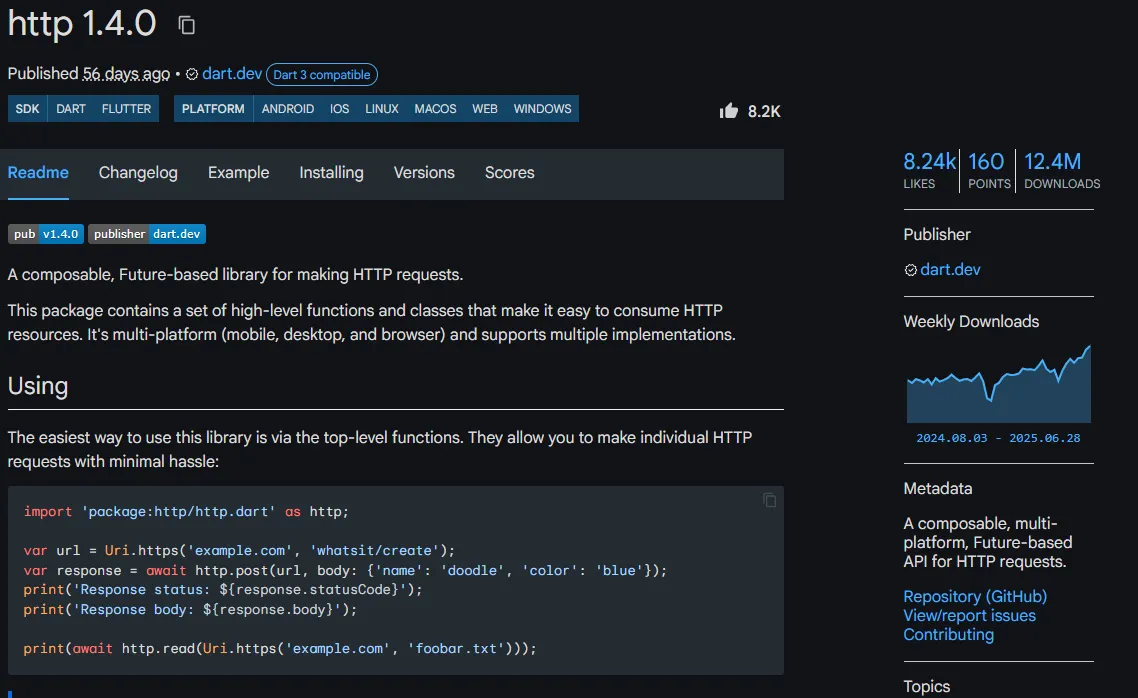
As a beginner, you should practice using the http package.
Now, let's look at a basic example of how to use the GET method with the http package.
import 'package:http/http.dart' as http;
import 'dart:convert';

class ApiService {
  final String baseUrl = 'https://jsonplaceholder.typicode.com ';

  Future<Map<String, dynamic>?> getData(String endpoint) async {
    final Uri url = Uri.parse('$baseUrl/$endpoint');

    try {
      final response = await http.get(url);

      if (response.statusCode == 200) {
        return json.decode(response.body);
      } else {
        print('Failed to load data. Status code: ${response.statusCode}');
        return null;
      }
    catch (e) {
      // This will catch common exceptions like connection errors
      print('Error during GET request: $e');
      return null;
    }
  }
}
2. sqflite
First, let's take a look at what SQLite is.
SQLite is an open-source relational database. It does not require a separate server to run as compared to other databases. Instead, it stores data directly in a file, which is why it's often referred to as an embedded database.
SQLite is the most widely used database in the world and is found in almost every connected device. Both Android and iOS rely heavily on SQLite for local data storage.
Flutter does not have a built-in mechanism to access SQLite databases. However, you can use the sqflite package to work with SQLite on both Android and iOS, which is well-maintained and officially recommended by the Flutter team.
If you're new to SQLite or SQL queries, it's a good idea to learn the basics first. You can start with any beginner-friendly SQL tutorial to understand how databases work.
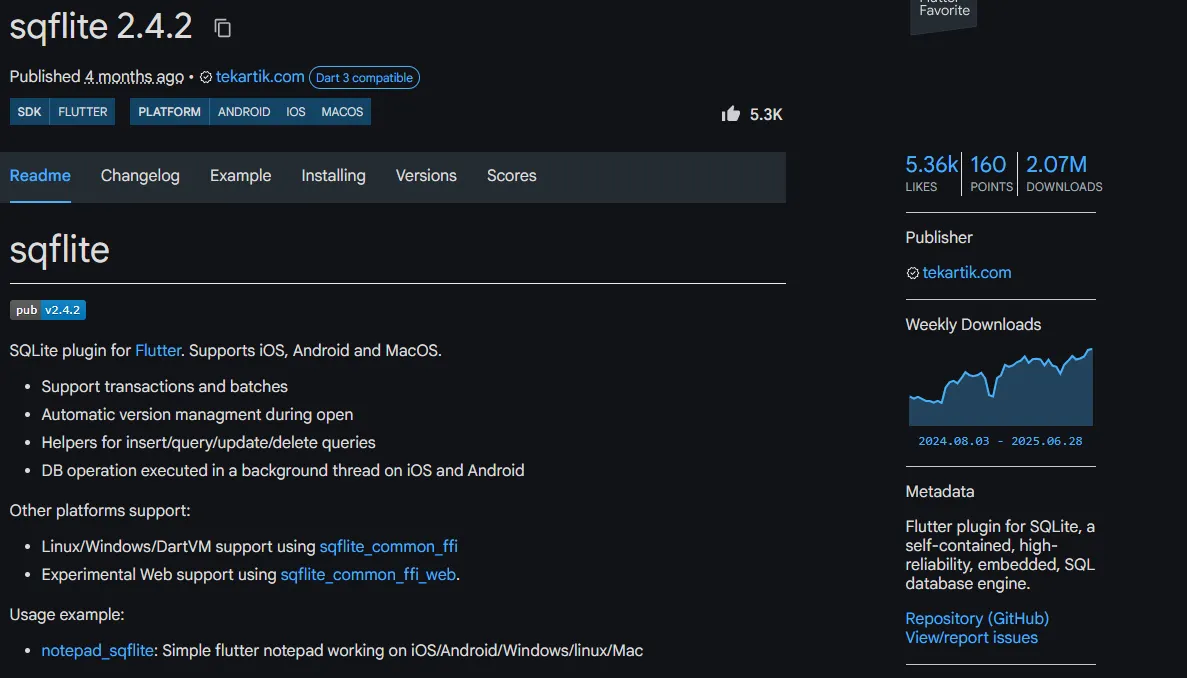
Now, let's look at a basic example of how to initiate the database and use SQL queries with the sqflite package.
import 'dart:io' as io;
import 'package:path/path.dart';
import 'package:sqflite/sqflite.dart';
import 'package:path_provider/path_provider.dart';

class DatabaseHelper {
  static final DatabaseHelper _instance = DatabaseHelper._internal();

  factory DatabaseHelper() => _instance;

  static Database _db;

  DatabaseHelper._internal();

  Future<Database> get db async {
    if (_db != null) return _db;
    _db = await initDb();
    return _db;
  }

  Future<Database> initDb() async {
    io.Directory documentsDirectory = await getApplicationDocumentsDirectory();
    String path = join(documentsDirectory.path, "todos.db");
    var dbTodos = await openDatabase(path, version: 1, onCreate: _onCreate);
    return dbTodos;
  }

  void _onCreate(Database db, int version) async {
    await db.execute('''
      CREATE TABLE todos (
        id INTEGER PRIMARY KEY AUTOINCREMENT,
        item_name TEXT,
        date_created TEXT
      )
    ''');
    print("Table created");
  }

  //CRUD Operations

  // Insert
  Future<int> insertTodo(Todo todo) async {
    var dbClient = await db;
    int res = await dbClient.insert("todos", todo.toMap());
    return res;
  }

  // Get all
  Future<List<Todo>> getTodos() async {
    var dbClient = await db;
    List<Map<String, dynamic>> maps = await dbClient.query("todos");
    List<Todo> todos = [];
    for (int i = 0; i < maps.length; i++) {
      todos.add(Todo.fromMap(maps[i]));
    }
    return todos;
  }

  // Get single todo by ID
  Future<Todo> getTodoById(int id) async {
    var dbClient = await db;
    var result = await dbClient.query("todos", where: "id = ?", whereArgs: [id]);
    return Todo.fromMap(result.first);
  }

  // Update
  Future<int> updateTodo(Todo todo) async {
    var dbClient = await db;
    return await dbClient.update("todos", todo.toMap(), where: "id = ?", whereArgs: [todo.id]);
  }

  // Delete
  Future<int> deleteTodo(int id) async {
    var dbClient = await db;
    return await dbClient.delete("todos", where: "id = ?", whereArgs: [id]);
  }

  // Delete all
  Future<void> deleteAllTodos() async {
    var dbClient = await db;
    await dbClient.rawDelete("DELETE FROM todos");
  }

  // Close DB
  Future close() async {
    var dbClient = await db;
    return dbClient.close();
  }
}
class Todo {
int id;
String itemName;
String dateCreated;
Todo({required this.itemName, required this.dateCreated}) : id = -1;
Todo.withId({required this.id, required this.itemName, required this.dateCreated});
Map<String, dynamic> toMap() {
var map = <String, dynamic>{};
map["item_name"] = itemName;
map["date_created"] = dateCreated;
if (id != -1) {
map["id"] = id;
}
return map;
}
factory Todo.fromMap(Map<String, dynamic> map) {
return Todo.withId(
id: map['id'],
itemName: map['item_name'],
dateCreated: map['date_created'],
);
}
}3. hive
hive is a fast and lightweight NoSQL database that can be used to store local data in Flutter applications.
If you're new to NoSQL, it's a good idea to learn the basics first. You can start with any beginner-friendly NoSQL tutorial to understand how databases work.
Hive stores your data in the boxes. So, we need to open a Hive box. A box is similar to a table in a traditional SQL database and stores key-value pairs. We can open the same box multiple times, returning the same box instance. However, it is good practice to open it once on application launch and get the box whenever we want to add, get, update, or delete data from it.
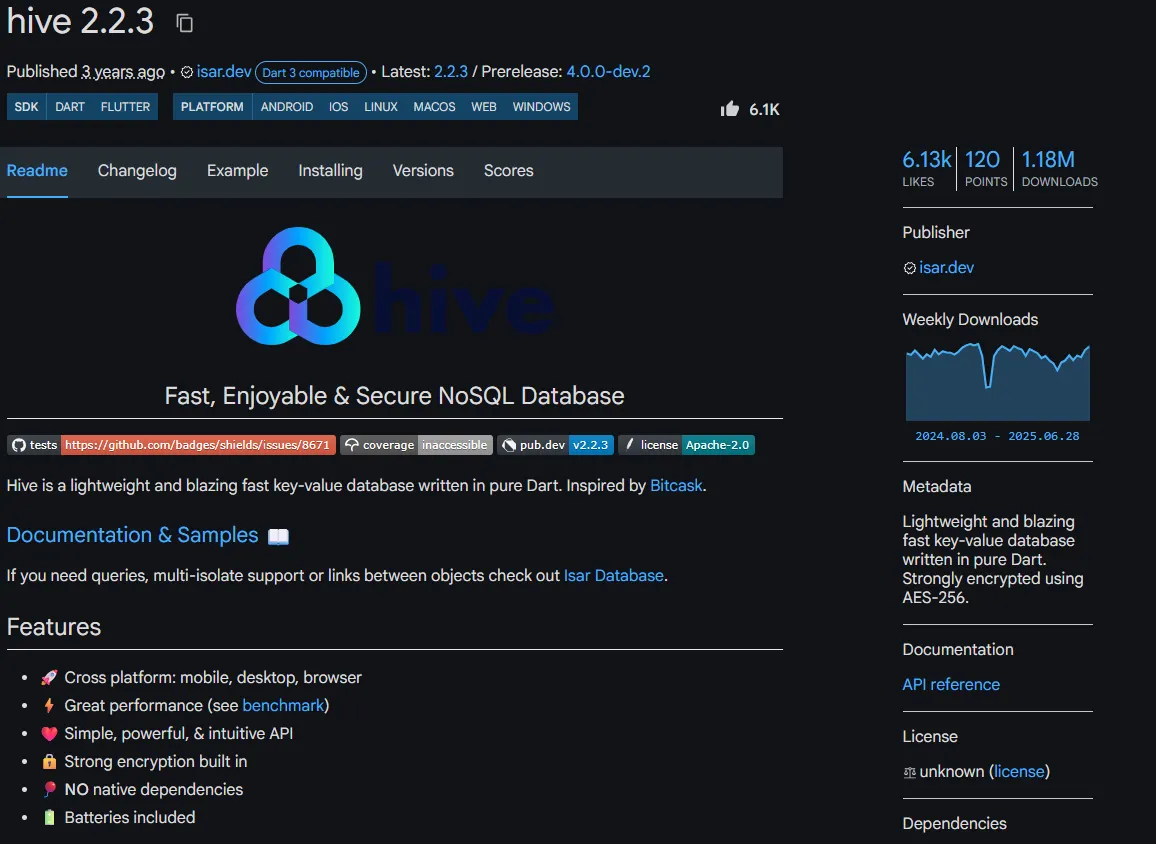
Now let's go through the simple example.
Add these dependencies to your pubspec.yaml
dependencies:
  hive: ^2.2.3
  hive_flutter: ^1.1.0

dev_dependencies:
  hive_generator: ^1.1.3
  build_runner: ^2.1.11
Create Model person_model.dart
import 'package:hive/hive.dart';

part 'person_model.g.dart';

@HiveType(typeId: 1) //typeId should be unique for each model
class PersonModel {
  @HiveField(0) //uinque id for each field
  String name;

  @HiveField(1)
  int age;

  @HiveField(2)
  List<Person> friends;
}
After writing creating model, run the following command to generate TypeAdapter
dart run build_runner buildmain.dart
import 'package:hive/hive.dart';

void main() async {
  await Hive.initFlutter();
  Hive.registerAdapter(PersonModelAdapter()); //add TypeAdapater
runApp(const MyApp());
}
CRUD Service
import 'package:your_app/models/person_model.dart';
import 'package:hive_flutter/hive_flutter.dart';

class Service {
final String  _boxName = "personBox";

Future<Box<PersonModel>> get _box async =>
      await Hive.openBox<PersonModel>(_boxName);

//create
  Future<void> addPerson(PersonModel personModel) async {
    var box = await _box;
    await box.add(personModel);
  }

//read
  Future<List<PersonModel>> getAllPerson() async {
    var box = await _box;
    return box.values.toList();
  }

//update
  Future<void> updateDeck(int index, PersonModel personModel) async {
    var box = await _box;
    await box.putAt(index, personModel);
  }

//delete
  Future<void> deletePerson(int index) async {
    var box = await _box;
    await box.deleteAt(index);
  }
}
4. flutter_secure_storage
It's a way for developers to store data in their applications, but it works a bit differently from other storage options. The flutter_secure_storage plugin allows you to store data securely using KeyStore or EncryptedSharedPreferences on Android and KeyChain on iOS.
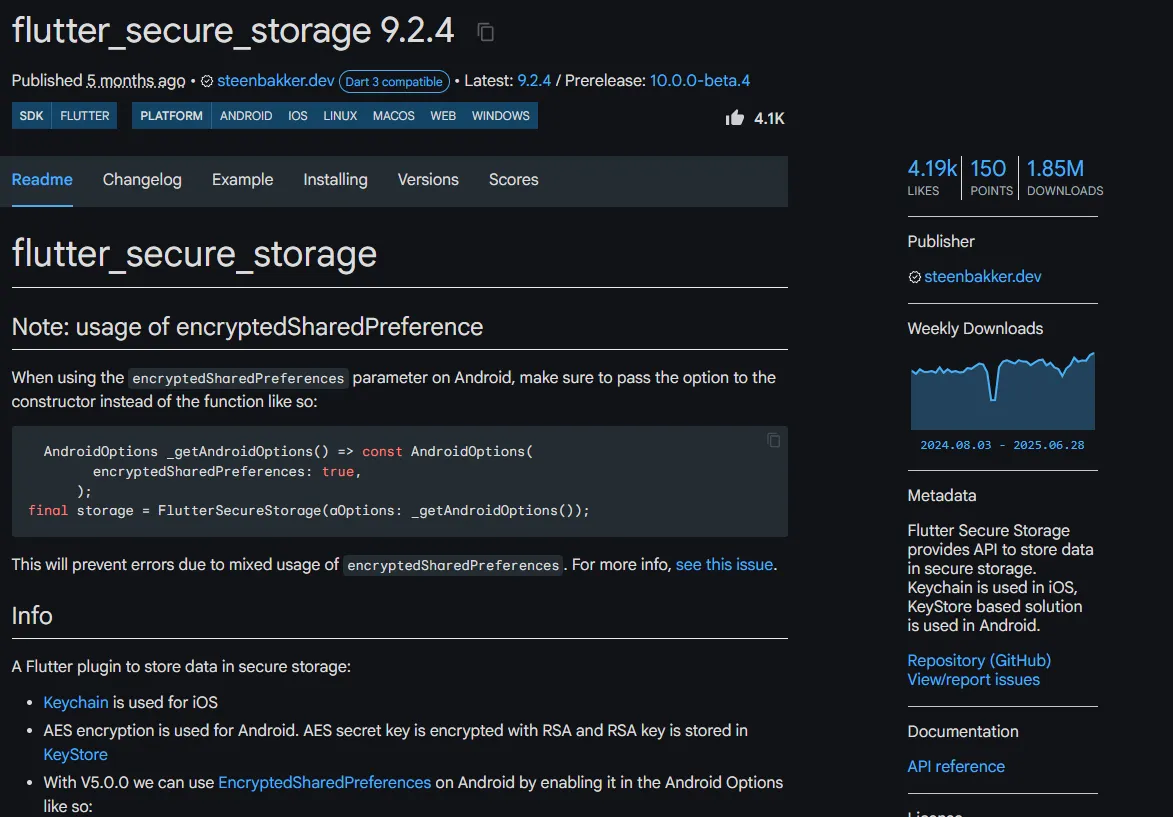
The usage of the plugin is quite similar to the Shared Preferences plugin, with the key difference being that the data is encrypted. This article does not cover that package, but if you're interested, you can explore it further through the following link.
Now let's go through the simple example.
import 'package:flutter/material.dart';
import 'package:flutter_secure_storage/flutter_secure_storage.dart';

Future<void> main() async {
  WidgetsFlutterBinding.ensureInitialized();

  FlutterSecureStorage secureStorage = const FlutterSecureStorage();

  await secureStorage.write(key: 'apiKey', value: 'value');

  print(await secureStorage.read(key: 'apiKey'));
}
5. path_provider
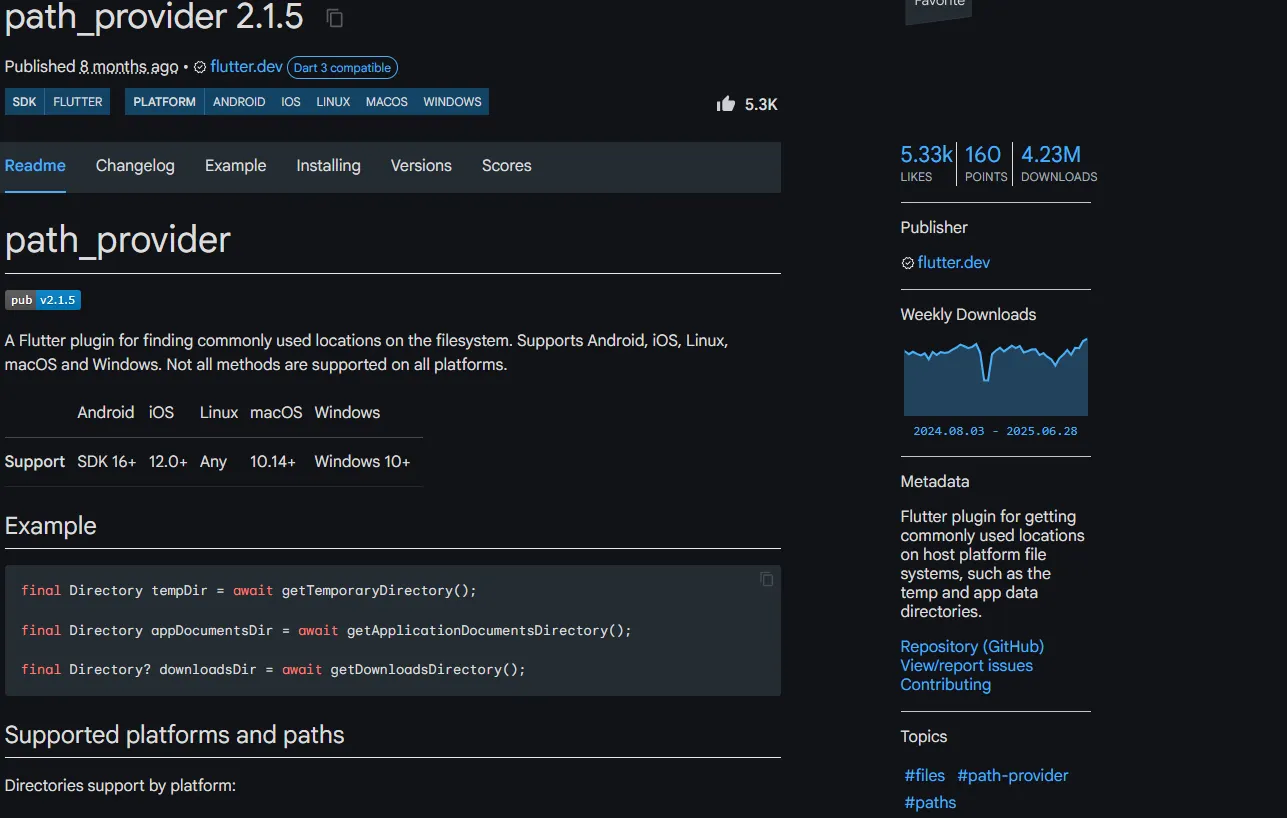
path_provider is the Flutter package for finding commonly used locations on the filesystem. So, it is the most important package in Flutter for working with files and directories on the file system. It allows developers to easily access commonly used locations such as the temporary directory and the application documents directory, which are the locations where files are typically stored. It allows developers to easily access the external storage directory on the device, which is useful for applications that need to save large files or backup data.
For example, an application that allows users to take photos and save them to their device will need to use the Path Provider package to determine the location to save those photos. Similarly, an application that allows users to create and save documents will need to use this package to determine the location for saving the documents.
Now let's go through the simple example.
import 'package:path_provider/path_provider.dart';
import 'dart:io';

  getPathLocation() async {
    Directory tempDir = await getTemporaryDirectory();
    final temp_Path = tempDir.path;
    print("temp_path: $temp_Path");
    Directory appDir = await getApplicationDocumentsDirectory();
    final appPath = appDir.path;
    print("app_path: $appPath");
  }
6. file_picker
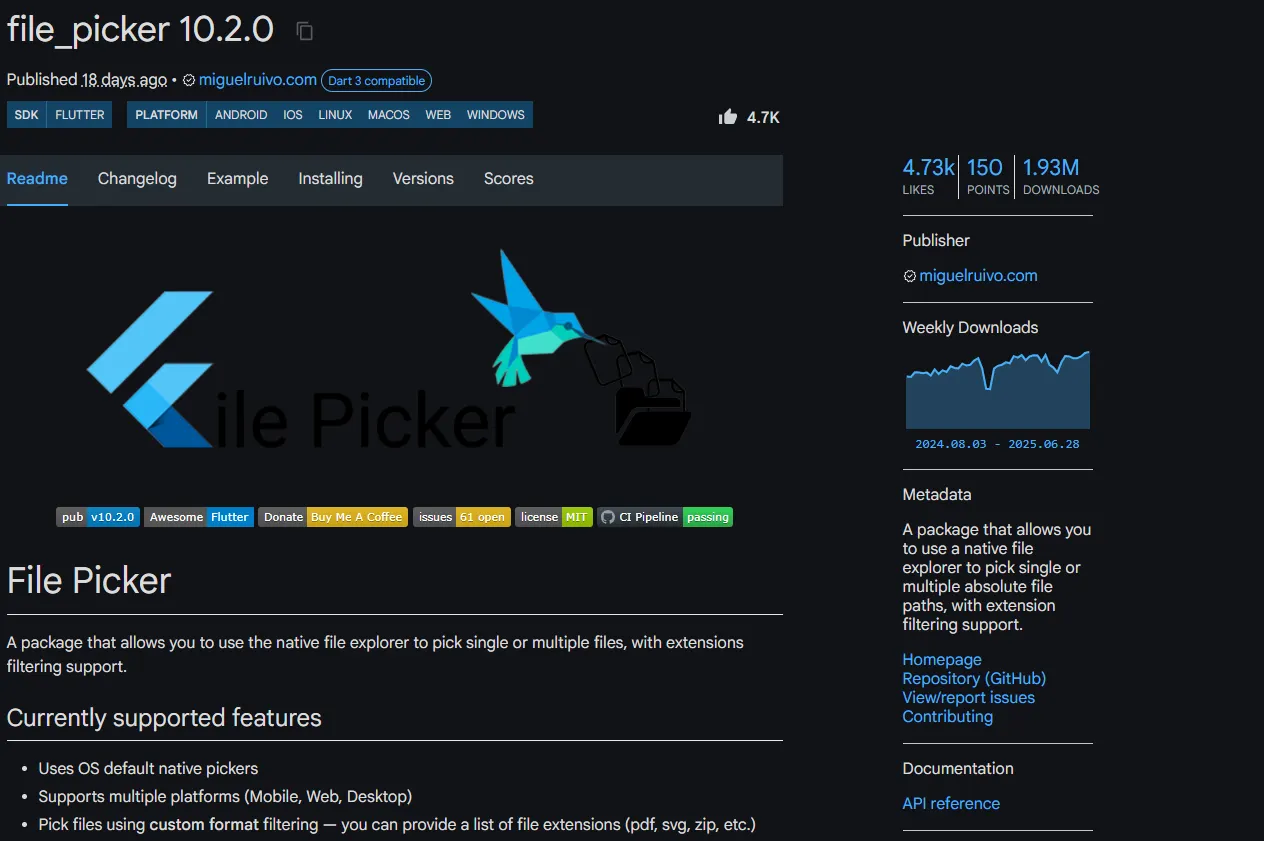
file_picker package is a powerful and versatile tool for Flutter developers who need to implement file selection functionality in their applications. This package provides a simple and customizable way to access the device's file system, allowing users to pick single or multiple files, choose directories, and save files. The File Picker package allows users to select various types of files, such as images, videos, audio files, PDFs, documents, and more. It also supports extension filtering, so you can restrict the file types for users are allowed to pick.
Now let's go through the simple example.
import 'package:file_picker/file_picker.dart';
Future<void> pickFile() async {
  FilePickerResult? result = await FilePicker.platform.pickFiles();

  if (result != null) {
    PlatformFile file = result.files.first;
    print(file.name);
    print(file.bytes);
    print(file.size);
    print(file.extension);
    print(file.path);
  } else {

  }
}
7. url_launcher
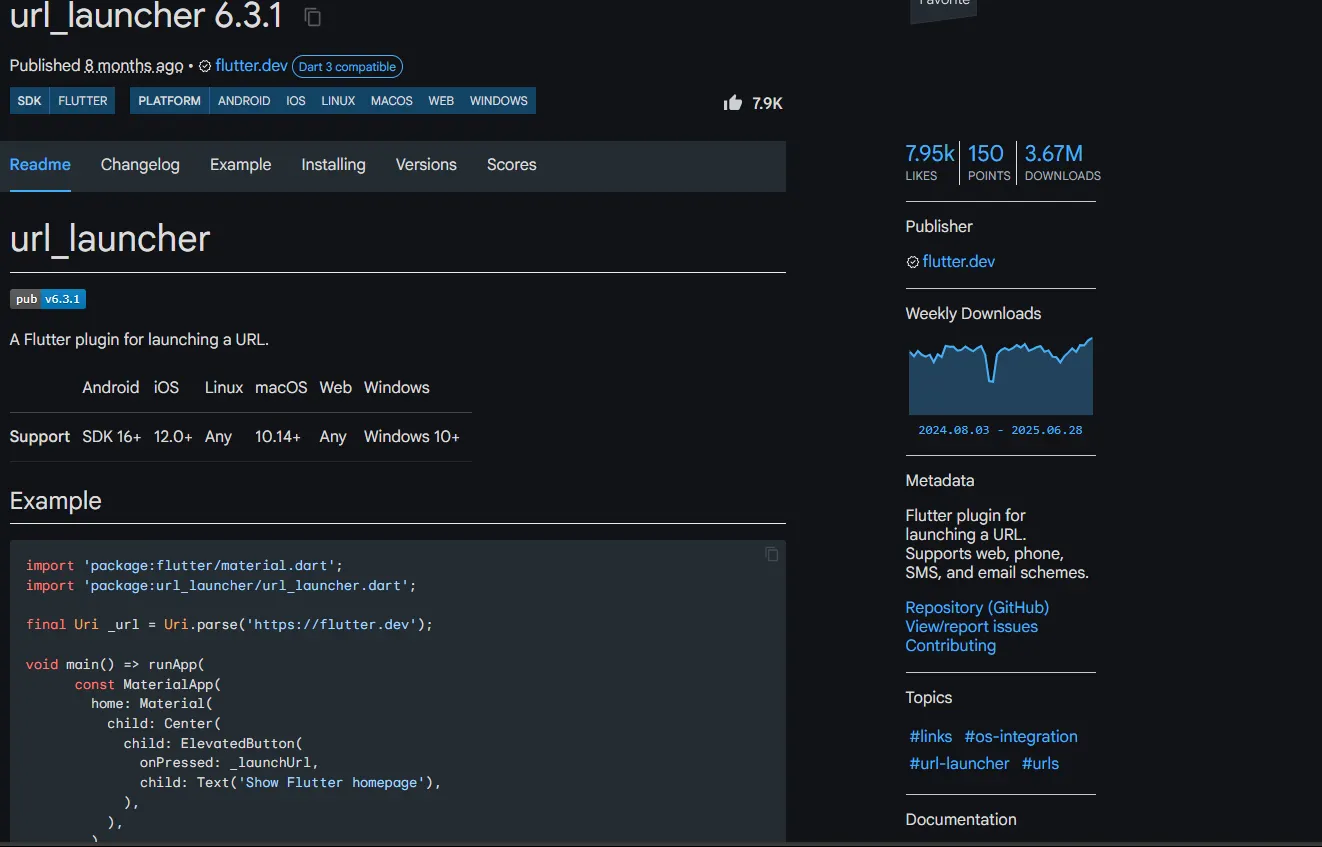
The url_launcher is another important Flutter package that allows your applications to launch web browsers, map applications, dialer applications, mail applications, and more. The url_launcher package works by creating intents to open applications using different URL schemes.
Now let's go through the simple example.
import 'package:flutter/material.dart';
import 'package:url_launcher/url_launcher.dart';

final Uri _url = Uri.parse('https://flutter.dev');

void main() => runApp(
      const MaterialApp(
        home: Material(
          child: Center(
            child: ElevatedButton(
              onPressed: _launchUrl,
              child: Text('Show Flutter homepage'),
            ),
          ),
        ),
      ),
    );

Future<void> _launchUrl() async {
  if (!await launchUrl(_url)) {
    throw Exception('Could not launch $_url');
  }
}
8. google_fonts
As a mobile app developer, working with fonts is the most important part of creating a visually appealing user interface. The google_fonts package provides access to a wide range of fonts that can help enhance the look and feel of your application. With this package, you can easily implement and use various fonts from the Google Fonts library in your Flutter project.
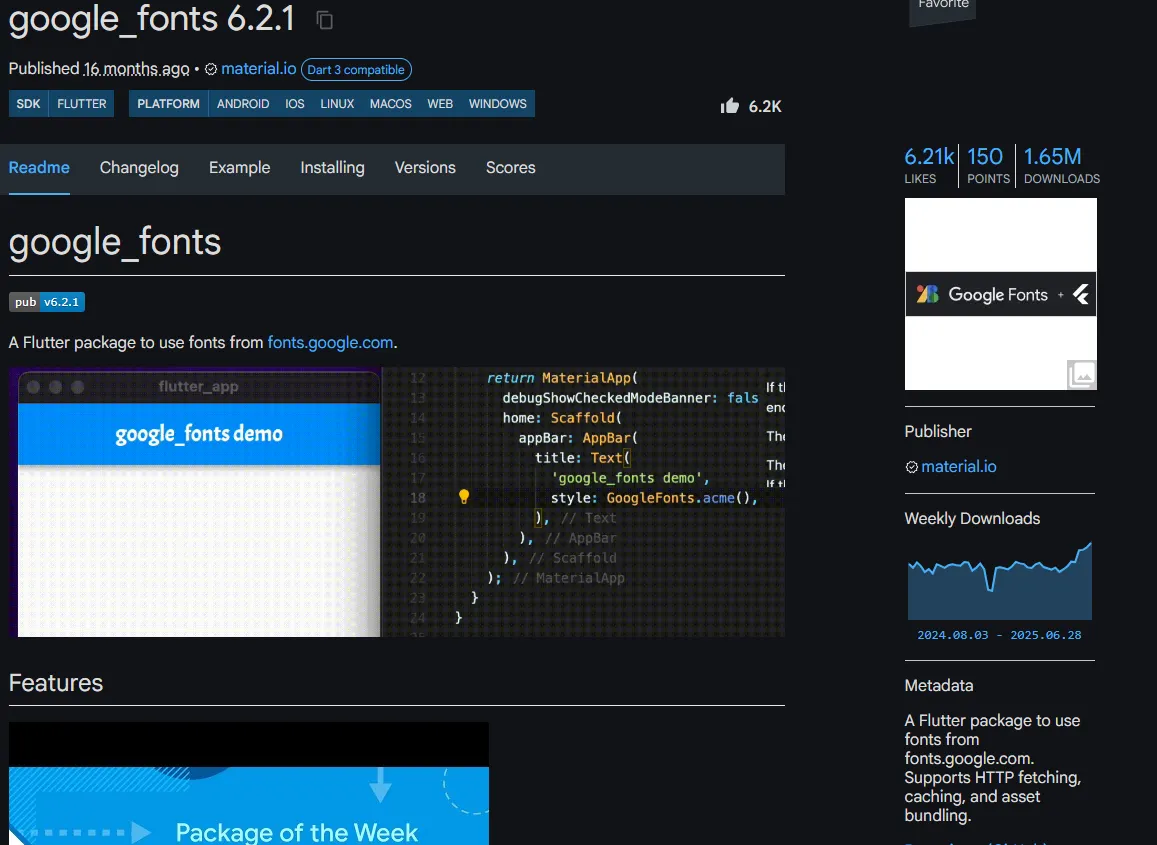
Now let's go through the simple example.
import 'package:google_fonts/google_fonts.dart';
Text(
  'This is Google Fonts',
  style: GoogleFonts.lato(textStyle: Theme.of(context).textTheme.headline4),
),
9. fluttertoast
fluttertoast is commonly used for lightweight pop-up messages that appear very briefly, typically at the bottom of the screen. They're similar to Snackbars but often simpler and disappear even faster without any user interaction required. These appear for a very short duration (usually less than 2 seconds) and vanish automatically. These are used to provide quick feedback to users about their actions within the application. For example, you might show a short confirmation message like "You have logged in successfully" or display validation errors when a form input is incorrect.
Now let's go through the simple example.
import 'package:fluttertoast/fluttertoast.dart';
Fluttertoast.showToast(
        msg: "This is Center Short Toast",
        toastLength: Toast.LENGTH_SHORT,
        gravity: ToastGravity.CENTER,
        timeInSecForIosWeb: 1,
        backgroundColor: Colors.red,
        textColor: Colors.white,
        fontSize: 16.0
    );
10. flutter_launcher_icons
When you create a new Flutter project, it comes with the default Flutter icon. You can see it when you run your mobile application in the emulator. You have to use the unique app icon because it is crucial for branding and user recognition. This is where the flutter_launcher_icons package comes in, offering a simple and effective way to customize your app's icon for both iOS and Android platforms.
Now let's go through the simple example.
dev_dependencies:
  flutter_launcher_icons: "^0.14.4"

flutter_launcher_icons:
  android: "launcher_icon"
  ios: true
  image_path: "assets/icon/icon.png"
  min_sdk_android: 21 # android min sdk min:16, default 21
  web:
    generate: true
    image_path: "path/to/image.png"
    background_color: "#hexcode"
    theme_color: "#hexcode"
  windows:
    generate: true
    image_path: "path/to/image.png"
    icon_size: 48 # min:48, max:256, default: 48
  macos:
    generate: true
    image_path: "path/to/image.png"
flutter pub get
dart run flutter_launcher_iconsAs a beginner learning and practicing the Flutter framework, it's important to explore and become familiar with these essential packages as well. I hope this article has helped your Flutter journey.
Now, as we come to the end of the article, what are the Flutter packages you find most useful in your experience? Feel free to share your thoughts in the comments with me!